7. Add positions in my list
From the map file, remove the middle columns such that only the 1st column and the last columns remain (chr, position).
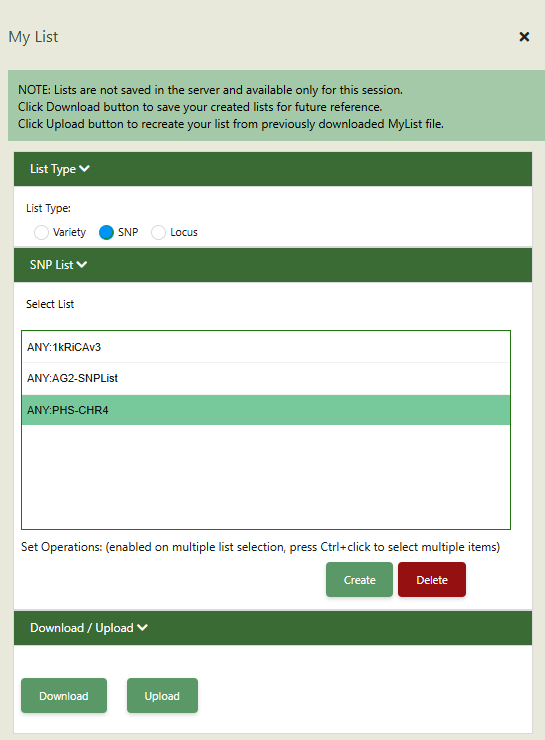
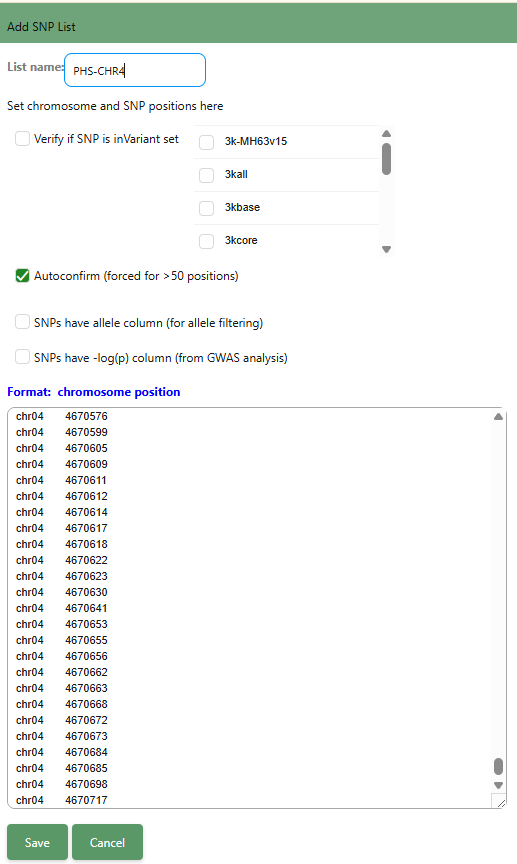
Go to “My lists”. Select “SNP” in List Type. Click on “Create” to make a new list.
Paste the chr-position table from the map file.
You may tick the box on “Verify if SNP is in Variant set”. However, in this hands-on, we will not do that since we know that these SNPs already came as a result of the genotype query.
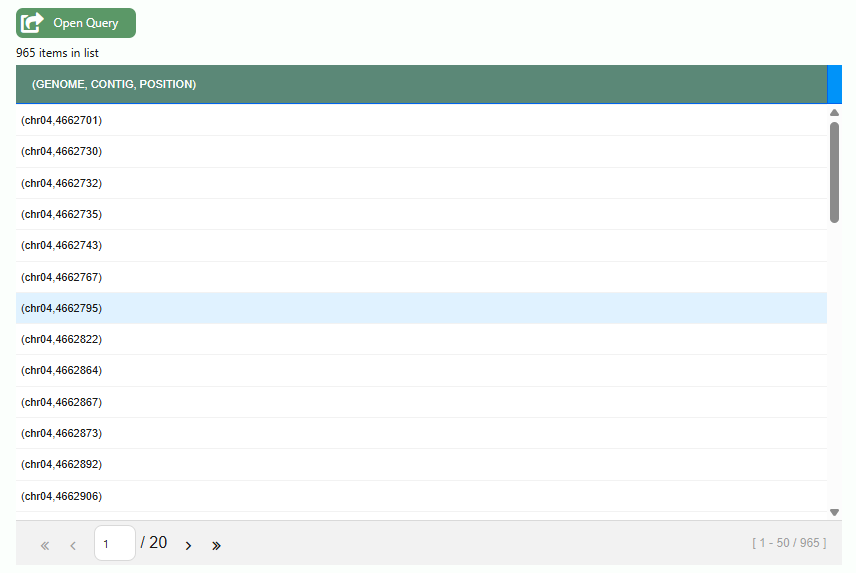
You will be able to see this new list on the left side of the panel.